Your list stutters when users scroll fast. The app takes four seconds to open on a mid-range Android phone. A button tap feels slightly late, and nobody on the team can say why.
Most React Native performance problems look like this, and most of the advice online makes them worse: people copy tips without knowing which part of the app is actually slow. This guide is the order we'd work in. Measure first, get on the current stack, then fix lists, re-renders, animations, and startup, in that order.
It's written for React Native 0.83 and later, where most of the old performance problems have changed shape.
React Native performance optimization in 2026 comes down to seven steps, in this order:
The rest of this guide walks through each step.
A smooth app has about 16 milliseconds to draw each frame at 60 fps. Miss that budget and users see jank. The question is who missed it.
React Native has two threads that matter here:
Until you know which one is blocked, every fix is a guess.
Use the tools that now ship with React Native. React Native 0.83 (December 2025) added Network and Performance panels to React Native DevTools. The Performance panel records traces with React Scheduler tracks, so you can see exactly which component render or commit took too long. You can also add your own timing points with performance.mark and performance.measure, and they show up in the same timeline:
performance.mark('checkout-start');
await loadCheckout();
performance.mark('checkout-end');
performance.measure('checkout', 'checkout-start', 'checkout-end');
The React Profiler panel shows how long each component render took, and DevTools can highlight components as they re-render. That highlight alone often finds the problem in minutes.
Two rules for measuring:
This is the cheapest performance work you'll ever do, because the framework does it for you.
If your app is still on an older version, the upgrade is usually the single biggest win. Shopify migrated to its two largest apps, Shopify Mobile and Shopify POS, while still shipping weekly releases. Their rule was simple: don't ship the new architecture until time to interactive and crash-free sessions match or beat the old one. Copy that rule.
One warning: the upgrade path runs through your third-party libraries. Check each one against the New Architecture before you start, not halfway through.
Lists are where most React Native apps feel slow first. A feed, a product catalog or a chat history with hundreds of items will stutter on FlatList long before anything else does.
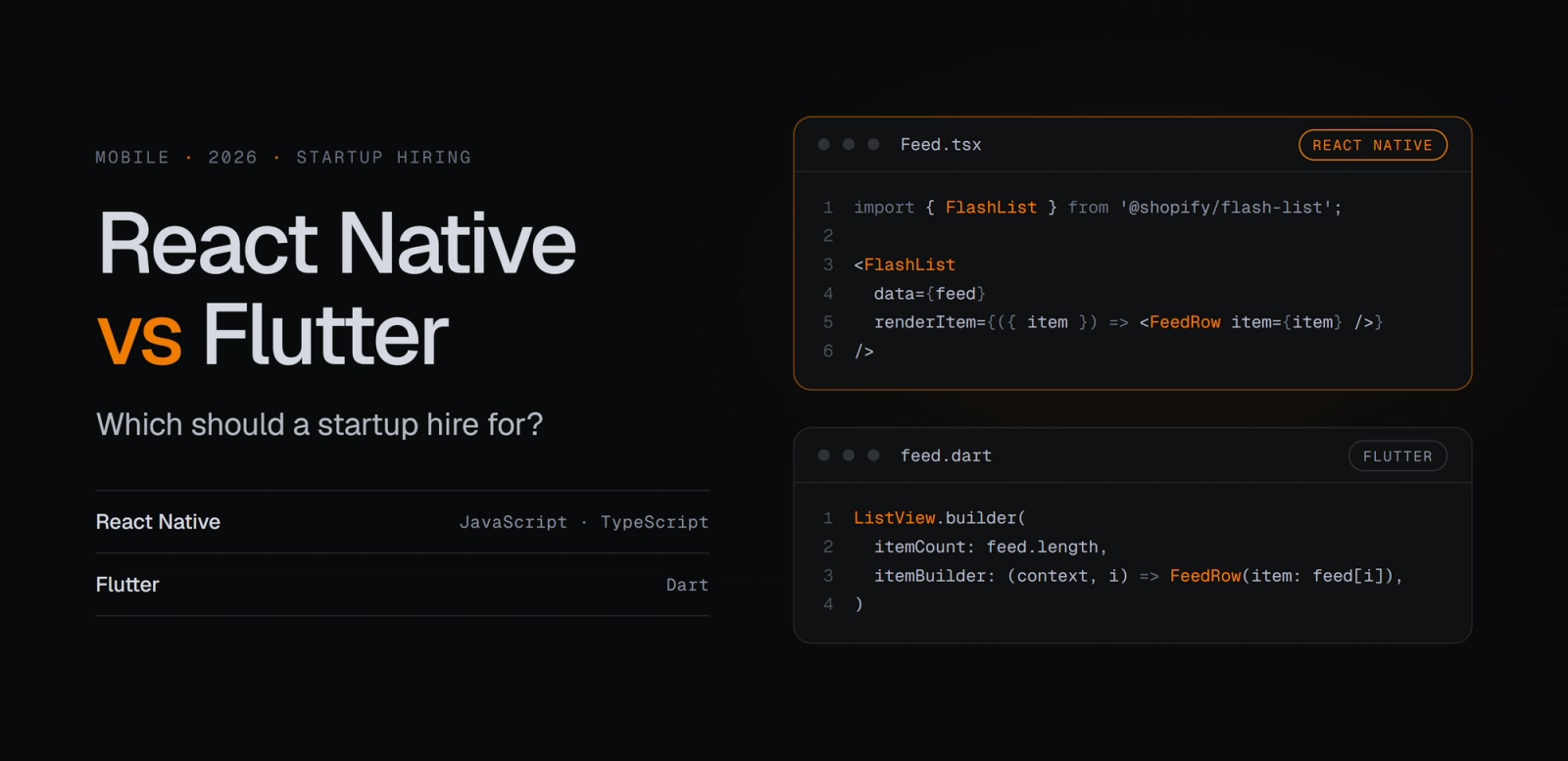
The fix in 2026 is FlashList v2 from Shopify. It was rebuilt for the New Architecture and is now JavaScript-only, with no native code. The big practical change: you no longer guess item sizes. FlashList v2 measures layouts synchronously, and Shopify reports up to 50% less blank area while scrolling compared with v1.
import { FlashList } from '@shopify/flash-list';

<FlashList
  data={messages}
  renderItem={({ item }) => <MessageRow message={item} />}
  getItemType={(item) => item.type} // separate recycling pools per row type
  keyExtractor={(item) => item.id}
/>
Three habits matter as much as the library:
getItemType when rows differ. A chat with text, image and system messages recycles far better when each type gets its own pool.Note that FlashList v2 only runs on the New Architecture, which is one more reason to do Step 2 first.
Re-renders are the quiet performance killer. One state change high in the tree re-renders a whole screen, the JS thread gets busy, and taps start to lag.
For years the fix was wrapping things in useMemo, useCallback and React.memo by hand. Teams either forgot to, or overdid it until the code was hard to read.
The React Compiler changes this. React Compiler 1.0 shipped as stable in October 2025, and it memoizes components and hooks automatically at build time. New Expo apps on SDK 54 and later have it enabled by default. Existing apps do not get it automatically, so if your project started on an older template, you have to turn it on:
{
  "expo": {
    "experiments": {
      "reactCompiler": true
    }
  }
}
Turn it on, run the app with re-render highlighting enabled in DevTools, and compare. Then fix what the compiler can't:
An animation driven from the JS thread will stutter the moment that thread is busy, for example while a list loads or a network response is parsed. The fix is to run animations on the UI thread.
Reanimated 4, stable since July 2025, gives you two ways to do that:
Reanimated 4 requires the New Architecture. Since version 4.4 (May 2026), CSS animations on iOS can run directly on Core Animation layers, so they don't touch the JS-driven update loop at all.
A quick test: open a heavy screen, start an animation, then trigger a slow JS task. If the animation keeps moving smoothly, it's running on the right thread.
Cold start is the first impression. Users who wait several seconds on a splash screen often don't wait the second time.
Work through these in order:
performance.mark.If you're working on the iOS side specifically, our guides to iOS app launch time optimization and iOS app performance optimization go deeper into native startup.
Your test devices are not your users' devices. Real performance problems show up on old phones, slow networks, and long sessions that nobody reproduces in QA.
PerformanceObserver API lets you capture your own performance.mark and performance.measure events at runtime and send them to your analytics.| Area | Check | Tool |
|---|---|---|
| Measurement | Profiling a release build on a mid-range Android phone | React Native DevTools Performance panel |
| Architecture | On React Native 0.84+ with Hermes V1 | Upgrade helper, library compatibility checks |
| Lists | Long lists use FlashList v2 with getItemType | @shopify/flash-list |
| Re-renders | React Compiler enabled; no oversized contexts | React Compiler, DevTools re-render highlights |
| Animations | State-driven animations use CSS API; gestures use worklets | Reanimated 4 |
| Startup | TTI measured; non-critical work deferred; screens lazy-loaded | performance.mark, bundle analyzer |
| Images | Served at display size and cached | Image CDN, caching image component |
| Production | Real-user metrics and memory monitored per release | PerformanceObserver, Sentry or EAS Observe |
Techiebutler's React Native engineers profile, upgrade, and optimize production apps for startups and growing product teams, from New Architecture migrations to list, animation, and startup fixes. If your team needs extra hands, you can hire React Native developers who work only on your product or talk to us about mobile app development.
Usually because the JS thread is blocked by too many re-renders, heavy list rows or work running at startup. Less often, the UI thread is overloaded by complex views or animations. Record a trace in the React Native DevTools Performance panel on a release build to see which one it is.


